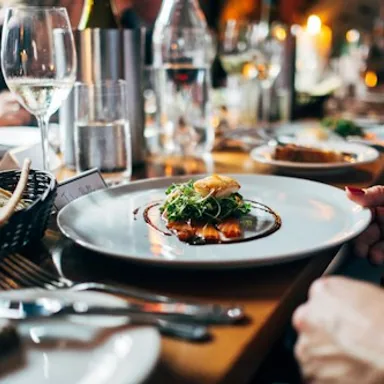
Start with the menu
Link to your current menu and give seasonal or special menus clear labels. Keep the destination updated so guests are not sent to an old version.
Chip & Cheer for restaurants
Make your menu, reservation provider, ordering links, hours, and directions easy to find from one restaurant page.
Free to start · No credit card · No code needed
A hungry visitor usually has a specific question. Help them find the menu, book through your reservation service, or plan a visit without searching across profiles.
Link to your current menu and give seasonal or special menus clear labels. Keep the destination updated so guests are not sent to an old version.
Add separate links for booking a table and placing an order. Reservations, order management, and payment happen through the providers you already use.
Link to your location, current opening hours, and contact details. Add an events or private-dining destination when it is relevant to your guests.
Explore example designs, then add your content. Free and Pro templates are labeled in the collection.
Illustrative page examples. The people and content shown are sample content.
Start with the essentials, and use the tools you already know.
Help with setup and publishingYour page links guests to your existing reservation or ordering provider. Table availability, order processing, and payments are managed through those services.
Yes. Your published page has a shareable address that you can use for a QR code on print materials. Keep the page’s destinations current as menus, hours, and offers change.
Start with a free page. Add Pro when you need more design options, media blocks, or on-page inquiries.